

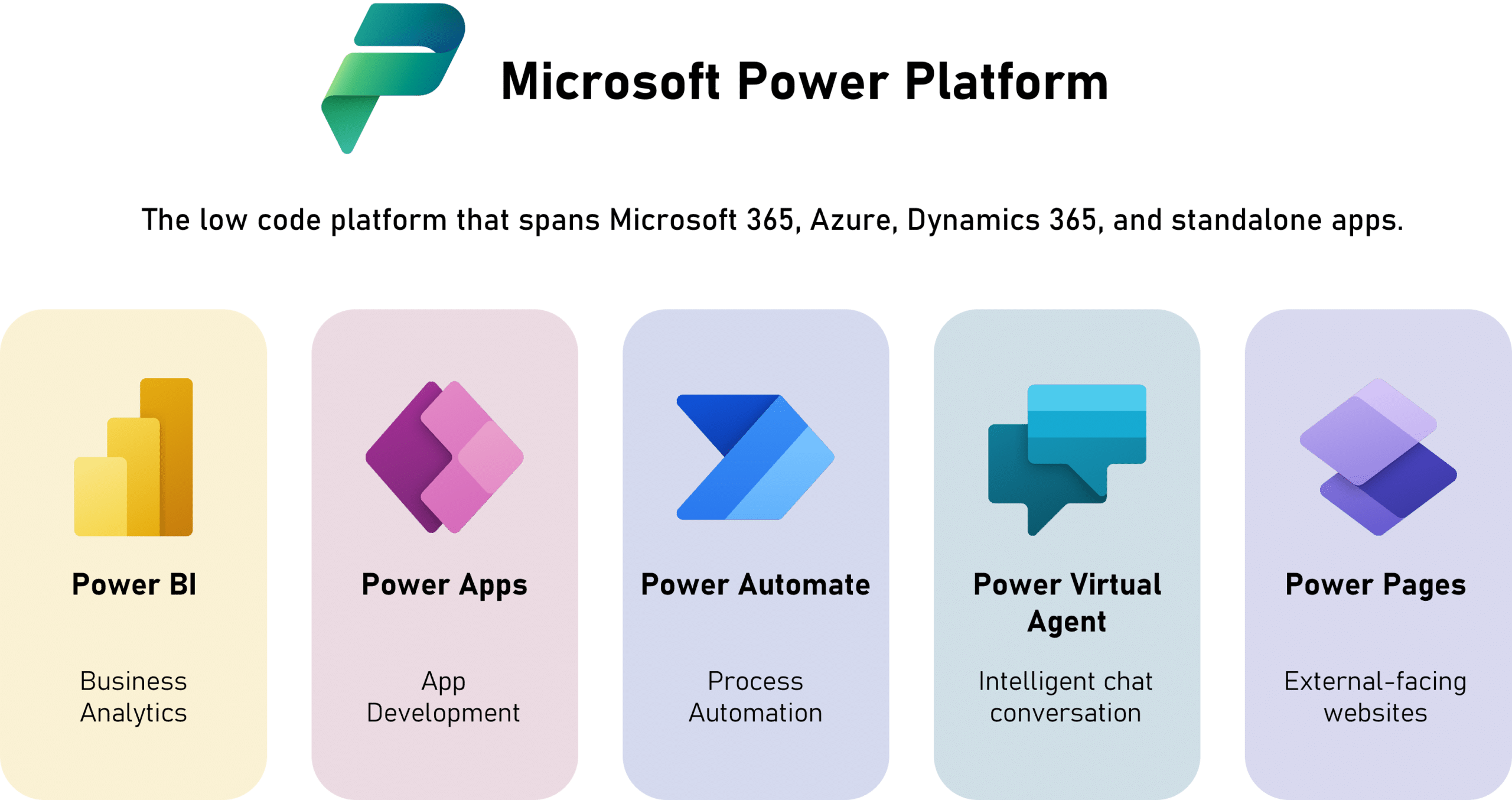
Businesses today need to move fast, and waiting months for a custom-built app is no longer an option. Microsoft Power Platform lets organisations build business apps, automate workflows and connect data with little or no code.
Whether you’re a growing SME or a large enterprise, this guide explains what Power Platform is, where it saves money compared with traditional development, the most common use cases, and how to get started safely.
Key takeaways
- Power Platform is Microsoft’s low-code toolset: Power Apps, Power Automate, Power BI, Power Pages and Copilot Studio.
- It connects to Microsoft 365, Dynamics 365, SharePoint, Teams and hundreds of other services through ready-made connectors.
- Apps and automations can often be delivered in weeks rather than months, at a lower cost than traditional development.
- Good governance (environments, security and licensing) is what makes it scale safely.
What is Microsoft Power Platform?
Power Platform is a family of low-code tools that work together:
| Tool | What it does | Example |
|---|---|---|
| Power Apps | Build web and mobile apps without heavy coding | Time-tracking app for field staff |
| Power Automate | Automate approvals and repetitive tasks | Multi-level invoice approval in Outlook and Teams |
| Power BI | Interactive dashboards and reports | Sales and finance KPI dashboard |
| Power Pages | Low-code websites and portals | Customer or vendor self-service portal |
| Copilot Studio | AI agents and chatbots | Internal HR or IT help assistant |
Why it matters: the cost and speed advantage
Traditional app development needs specialist developers, long build cycles and ongoing maintenance. Power Platform shifts much of that work to configuration and drag-and-drop logic, using skills your team may already have. Because it runs on Microsoft’s cloud, security, scaling and updates are handled for you.
| Factor | Traditional development | Power Platform |
|---|---|---|
| Typical build time | Months | Often weeks |
| Skills needed | Specialist developers | Business users with some training, plus consultants for complex work |
| Infrastructure | Hosting and maintenance needed | Microsoft cloud, managed for you |
| Integration with Microsoft 365 and Dynamics 365 | Custom work | Built-in connectors |
| User experience | Custom training | Familiar Microsoft interface |
Licensing: Power Platform is licensed per user or per app, and some tools are pay-as-you-go. Prices vary by plan and region, so check Microsoft’s current pricing page or ask a partner before you commit.
Common use cases
- Employee onboarding: Power Apps and Power Automate guide new joiners through each HR step.
- Invoice approvals: automated multi-level approval flows connected to Outlook and SharePoint.
- Customer service portals: Power Pages with Copilot Studio for real-time self-service help.
- Time tracking: field staff log hours in a mobile app that feeds Business Central or Excel.
- Management dashboards: Power BI dashboards for sales, operations and finance KPIs.
A practical example
A Dubai services company tracked technician hours on paper timesheets that finance re-typed every week. Mohila built a simple Power Apps mobile app: technicians log hours on site, a Power Automate flow sends them to the supervisor for approval, and approved hours are posted to the ERP. Re-typing disappeared, and payroll and client billing now use the same approved data.
Best practices checklist
- Start with a process that’s repetitive, painful and easy to measure.
- Set up environments, data loss prevention (DLP) policies and security roles before building.
- Check licensing for each app and connector early.
- Train a few “citizen developers” and give them a clear support path.
- Document every app and flow, with a named business owner.
How Mohila can help
At Mohila, we help organisations use Power Platform to automate processes, cut costs and build solutions around their business:
- Use-case discovery and design workshops to find high-impact opportunities.
- Custom Power Apps and Power Automate solutions.
- Microsoft 365 and Dynamics 365 integration. See our Power Platform + Business Central integration guide.
- Interactive Power BI dashboards and Power Pages portals.
- Governance, security setup, training and enablement.
Talk to an Expert
Want to build your first business app with Power Platform? Book a free 1-hour consultation with a certified consultant.
Frequently asked questions
It is used to build business apps, automate workflows, create dashboards, publish low-code websites and build AI agents, with little or no code.
Usually, yes. Apps can often be built in weeks rather than months, with fewer specialist developers and no separate hosting. Licensing costs still need to be planned per user or per app.
Yes. Business Central has a standard connector that lets Power Apps and Power Automate read and write ERP data.
Trained business users can build many apps and flows. Complex integrations, governance and enterprise-scale solutions usually benefit from an experienced partner.


